01
Keep the line moving.
Scan barcodes, use your own item layout, hold an order, and apply discounts or mix-and-match offers.
POINT OF SALE. MADE FOR YOUR STORE.
From the first scan to the end of the day. Checkout, inventory and reports, together in one clear workspace.
Windows early access Built for touchscreens
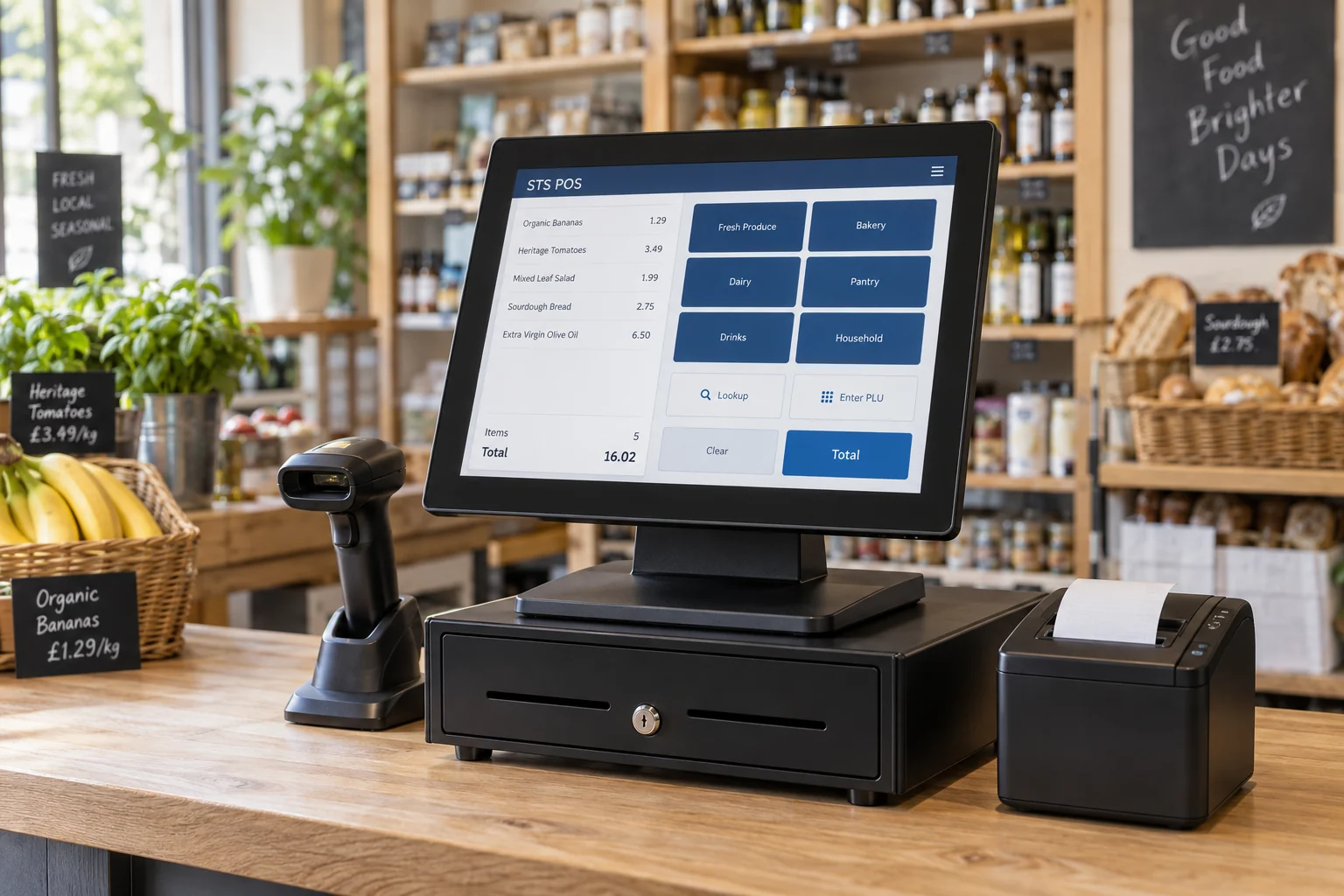
One system. Your kind of store.
BUILT FOR THE EVERYDAY
The essentials at the counter. The details behind the scenes. All in STS POS.
Scan barcodes, use your own item layout, hold an order, and apply discounts or mix-and-match offers.
Receive deliveries, track supplier costs, import products, and stay on top of low stock and stock counts.
See cash, credit, debit and EBT totals. Reconcile your drawer and review refunds and cashier activity.
Set employee PINs and permissions, require manager approvals, and track drawer openings without a sale.
MEET YOUR NEW WORKSPACE
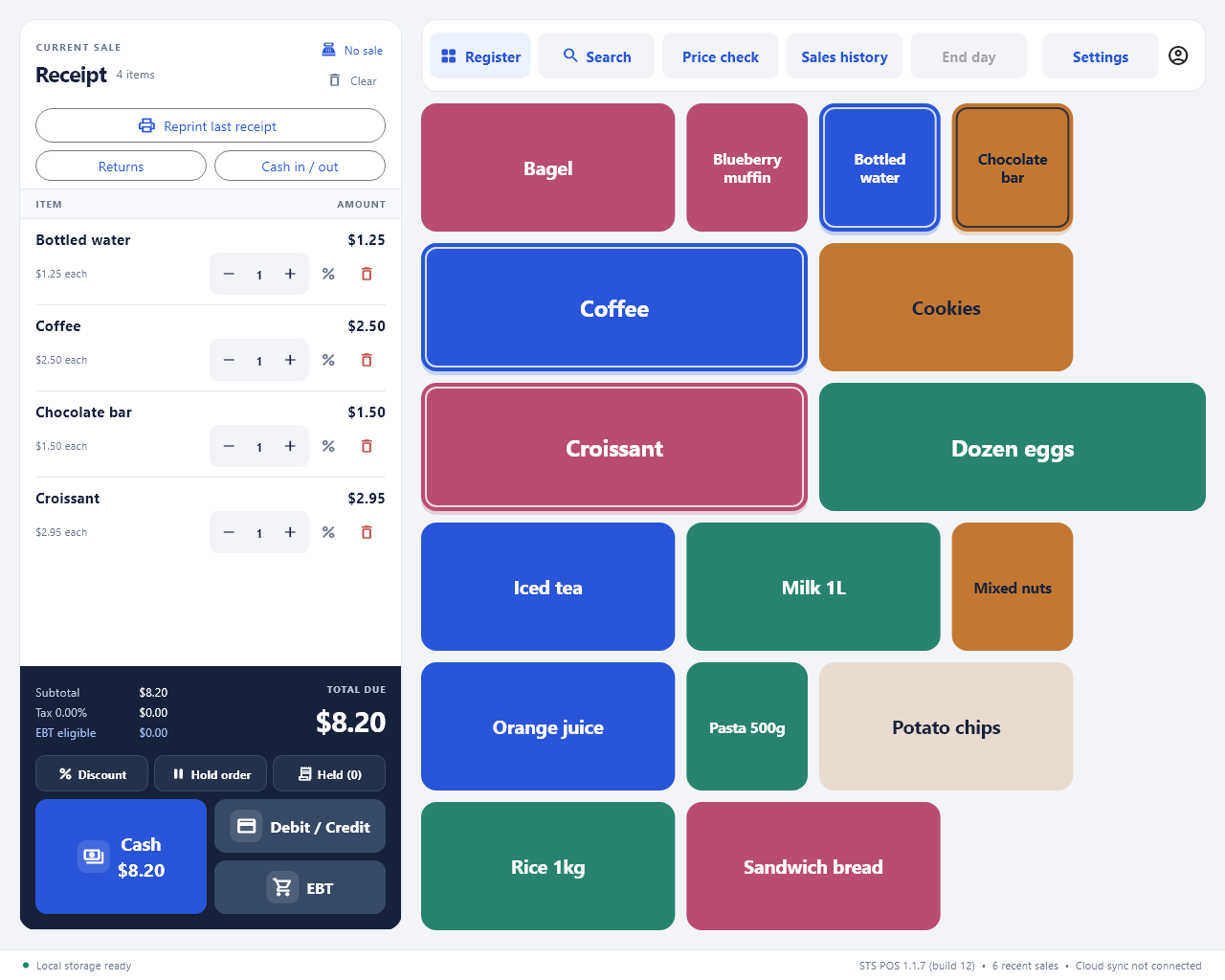
Explore real STS POS screens with sample data. These examples show Windows 1.1.7; the current Windows release is 1.1.12.
Scan a barcode or search by name or code. Keep the receipt in view, choose touch buttons, and access discounts, held orders and returns from one workspace.
NEW IN STS POS
Keep your payment processor. Take the payment on your separate terminal, then confirm the approved amount in STS POS.
View product screensRecord each payment method, split a purchase, and apply EBT to eligible items.
Saved payment progress helps you review an interrupted checkout before you continue.
Find a receipt and record refunds against the original payment methods.
Standalone mode records cashier-confirmed payments and refunds; process card and EBT transactions on the terminal. Direct PAX integration is planned.
LET’S GET YOU SET UP
Create an account with your business details and verify your email.
Select monthly or yearly billing for the number of registers you need.
After payment verification and activation approval, download and set up STS POS.
YOUR NEXT CHAPTER
Find the right STS POS setup for your store.